
01
Name and title
Your name and initials lead the page in your code's colors, with job title and company underneath.
Allow cookies for visit statistics, heatmaps, and session recordings? You can use the site without them. Privacy policy
Turn your contact details into a digital business card. One scan opens your card page, and Save contact adds you to any phone.
Start with a link
A vCard QR code is a QR code that opens a digital business card. Someone scans it, and your contact details appear as a clean card page with your name, phone numbers, email, website and social profiles. One tap on Save contact adds you to their address book — no typing, no app, no scanned-in PDF.
Every code you create here is dynamic. The printed code holds a short link that opens your card page, so you can update your details at any time and the same printed code keeps working. Changed jobs or numbers? Edit the card in your dashboard. It works like our trackable QR codes for websites.
That is the difference between a contact QR code and a static one. A static code bakes your details into the image, so a new phone number leaves every printed business card out of date. A dynamic vCard QR code keeps working after printing and counts every scan, so you know which cards people actually use. Browse every type in our free QR code generator, or collect feedback with a Google review QR code.
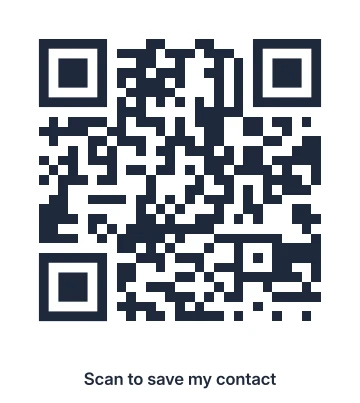
Fill in the card, pick a design and print. It takes about five minutes.
Add your name, then the details you want to share: company and job title, mobile and work phones, email, website, address and social profiles. Everything except your name is optional.
Start with a vCard template, then change the colors, add your logo or edit the call to action. Every design is scan-tested before you can save it.
Click Create QR code and download it as PNG or SVG for print. Your card page goes live at the same moment — sign in for free to keep the code in your dashboard.
Put the code on business cards, flyers, a counter stand or your email signature. Scans appear in your dashboard, and you can edit the card whenever something changes.
Scanning opens a fast, mobile page with your name and details. Nothing to install, nothing to sign up for.
Your name and initials lead the page in your code's colors, with job title and company underneath.
Call, email, open your website, get directions or message you on WhatsApp — one tap each.
A sticky Save contact button downloads your details as a vCard file that iPhone and Android address books import.
Edit the card in your dashboard and the same link shows the new details.
A vCard QR code fits anywhere you hand out or display your contact details.
Print the code on the back of your paper card: the paper stays clean and one scan saves you as a contact.
Conferences, meetups and trade shows: a code on your badge or stand saves your details all day.
A framed code at the counter lets customers save your details for the next visit.
Add the code to your email signature so every recipient can save your details.
Deliveries and documents carry the code, so customers always reach the right person.
Agents, landlords and freelancers put the code on yard signs, flyers and proposals.
Each template adds a tested color scheme and a call to action like Scan to save my contact. You can change everything in the editor.
Black on white with a clean contact prompt
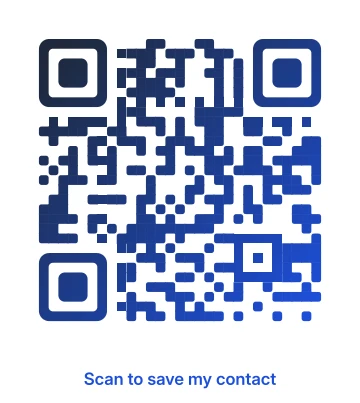
Deep blue gradient with rounded modules
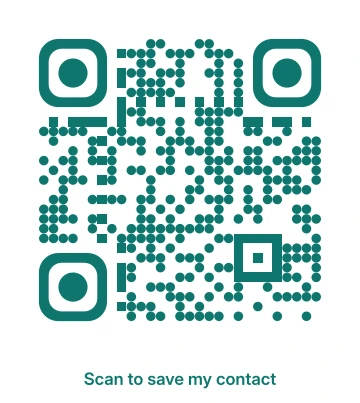
Dotted teal with round finders
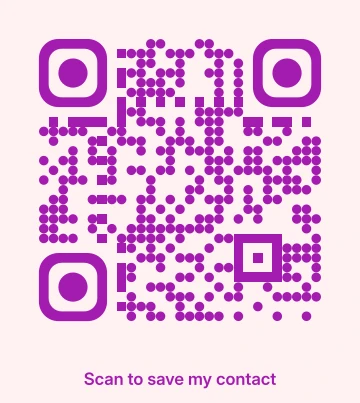
Magenta dots on a blush background
A printed business card cannot tell you whether anyone kept it. A dynamic code counts every scan. Free accounts track up to three codes, and paid plans track more.
Use one code per event or card run and see which gets scanned.
New role or new number? Update the card and every printed code shows it from the next scan on.
Scans by day, country and device show where your card travels and when people save it.
A vCard QR code is a QR code that opens a digital business card when scanned. The card shows your name, contact details and social profiles, with a Save contact button that downloads your details into the phone's address book. The code here is dynamic: it opens a hosted card page that you can edit at any time.
Yes. You can create a vCard QR code, host the card page and download the code for free, without an account. A free account lets you edit the card later and track scans, and paid plans track more codes.
Anyone who scans the code or has the link can see the card. The page is never indexed by search engines, you can disable the code at any time, and deleting it removes the card and all of its details.
Yes. The code points to your card page, not to your details. Edit the card in your dashboard and every scan sees the new details from then on, while the printed code stays exactly the same.
Give each person their own code. Every card page holds one person's details, so a shared code would mix phones, emails and social profiles. Create a separate code per person and watch each card's scans.
Yes. The Save contact button downloads a vCard 3.0 file — the format both iPhone and Android address books import. The built-in camera app is enough; nobody installs anything.
A regular QR code stores one fixed link or payload. This code points to a short link you control, so your details stay editable after printing and you can see how many people scanned it.
Fill in your card once, print it everywhere, and keep the details up to date.